Reporting
Turn survey results into a report ready for leadership
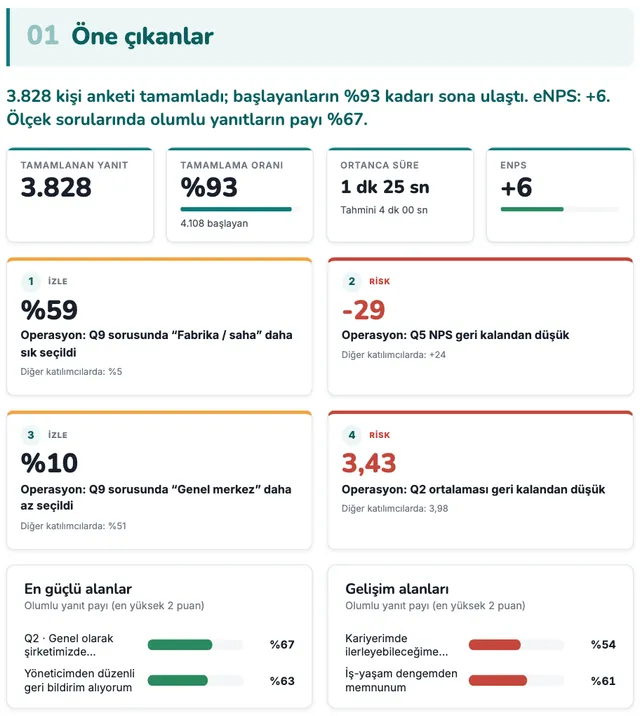
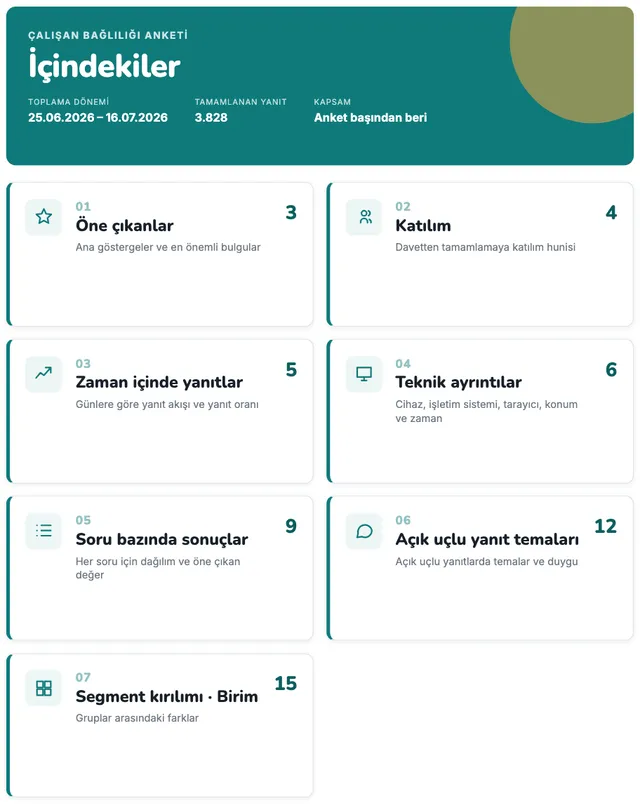
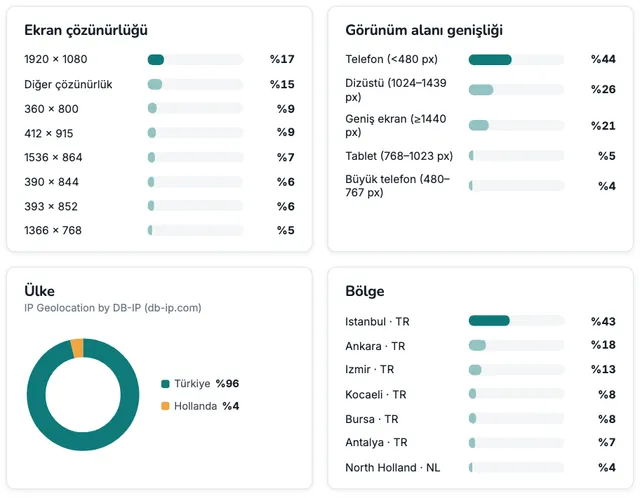
The report builder prepares an A4 report with the same scope as your analytics: cover, table of contents, highlights, participation, question results, open-ended response themes and segments. Turn sections on or off, edit the text, apply your brand; download a PDF or share it via a link.
Screens are illustrative; data is sample data.
Branded PDF
Print-ready pages, from the cover to the technical details
- 3 cover layouts, logo, primary and accent colors, heading and body fonts
- Confidentiality label (e.g. “Internal use”), footer text and page numbers
- Organization default: save your branding once, and new reports start with it
Dashboard sharing
Share results via a password-protected, time-limited link
- Optional password; valid for 1, 7, 30, 90 or 365 days or with no expiry; one-click revocation
- Live or snapshot: results keep updating, or are frozen at the moment you share
- Shared pages are closed to search engines; samples of open-ended comments are never included in any share
Highlights
At your fingertips while building the report
Editable text
Title, subtitle, introduction, section descriptions and conclusion; bold, italic, bullet and subheading formatting.
AI summary
If AI analysis is enabled, get a draft summary in the report’s language; the text is editable and shown with an “AI-generated” label.
Same scope as your analytics
The report uses the date range, filters and unit level in place when you create it.
Order the sections
Add and remove sections, reorder them by dragging or with the keyboard; choose the segment dimension and trend interval.
Autosave
Changes are saved automatically; step back with undo / redo.
Role-based
Owner, Admin, Editor and Analyst can prepare reports; Owner, Admin and Editor can create share links.
FAQ
Which plans include the report builder?
The report builder, PDF reports and share links are included in the Professional plan and above. You can try the report builder in the demo surveys on every plan; share links, however, are available only to organizations whose plan includes PDF reports. The segments section requires Business, and the AI summary requires AI analysis (Professional and above).
Where do the numbers in the report come from?
No numbers are stored in the report: each time the report is opened and each time a PDF is generated, they are recalculated by the analytics engine with the same masking rules. For shares set to snapshot, the masked results are frozen at the moment of sharing.
Is personal data visible in a shared link?
No. The link shows only masked, aggregated results: groups with fewer than 5 responses are hidden, and no samples of open-ended comments, names or email addresses are included. Password-protected links limit the number of attempts, and you can revoke a link at any time.
Let’s see together how Survai fits your organization
Tell us about your use case, and in a 30-minute call we’ll walk through the survey, reporting and deployment options that suit you.
- A demo built around your scenarios
- Hosting in the EU (Azure)
- Tools that support your GDPR obligations